¶ Riverty Payment: Storefront
Live Demo: Try this and other plugins live — no installation, no risk: demo.markus-michalski.net
This page describes what customers see at checkout. Setup is covered under Configuration.
¶ Payment methods
The module provides four payment methods:
| Name in the shop | Description |
|---|---|
| Riverty Invoice | Purchase on invoice |
| Riverty Direct Debit | SEPA direct debit, the form appears at Riverty |
| Riverty Installments | Instalment payment (Fixed Instalments) |
| Riverty Pay in X | Pay in 3, Netherlands only |
Under each payment method the checkout shows a short info box with a subheader and bullet points, plus the Riverty logo. The texts come from the module's translation files.
¶ Countries
A payment method only appears for customers whose billing country is configured with an active API key (DE, AT, CH, NL, BE, NO, SE, DK, FI) and assigned to the payment method. The country of the billing address decides.
¶ Availability check
When the payment selection is opened, the module asks Riverty which payment methods are available for the country and basket amount, and hides Riverty methods that are not available. If the basket is below the minimum amount for instalments, for example, the customer does not see that method. This is not a configuration error.
- This query sends only country, currency, net and gross amount and the language to Riverty, no customer data.
- If the query fails technically, all Riverty payment methods stay visible. The actual check then happens at authorization.
- If Riverty rejected an order in the hosted checkout because of the risk check, all Riverty payment methods are hidden for the rest of the session.
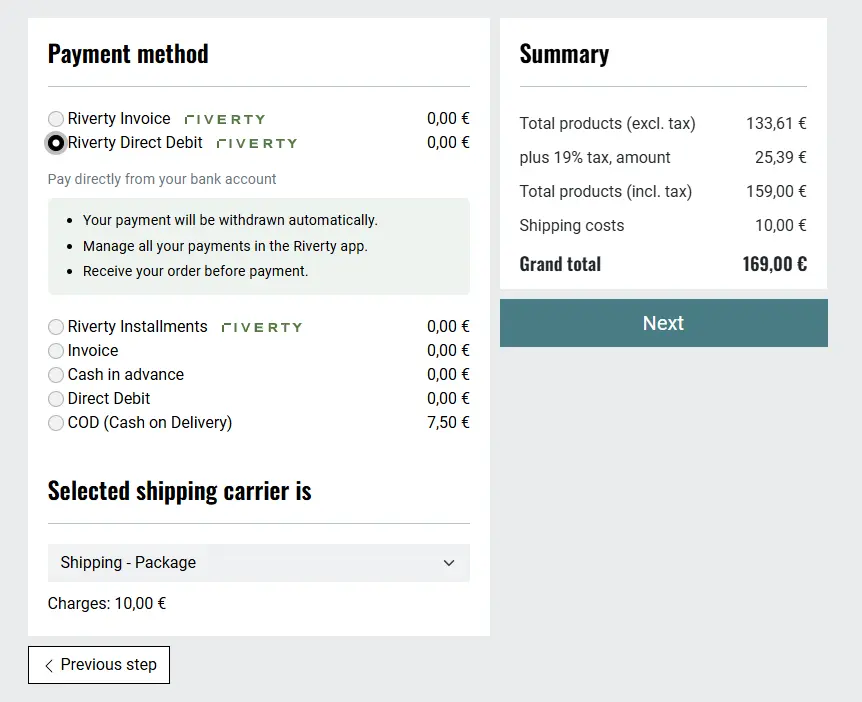
Figure: Direct debit
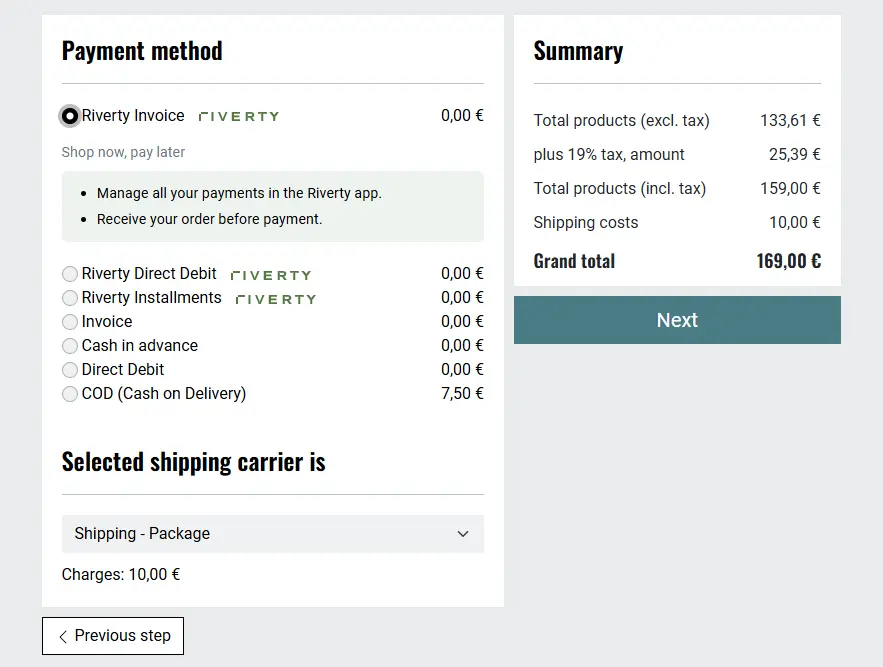
Figure: Invoice
¶ Instalment preview
With the setting "Show instalment price preview in checkout" the checkout shows a "from X €/month" hint and a representative example per § 6a PAngV for Riverty Installments (net loan amount, borrowing rate, term, monthly rate, effective annual rate, total amount). The values come from the cheapest instalment plan Riverty returns. If Riverty returns incomplete data, no preview is shown.
The setting is off by default. Clarify legal compliance with your legal counsel before enabling it.
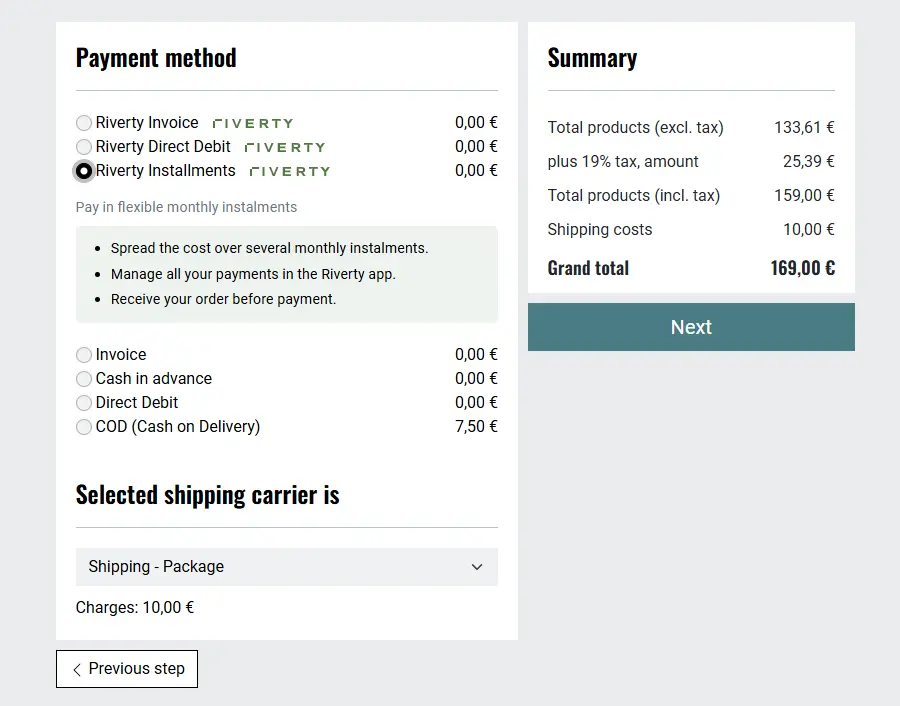
Figure: Instalments without preview
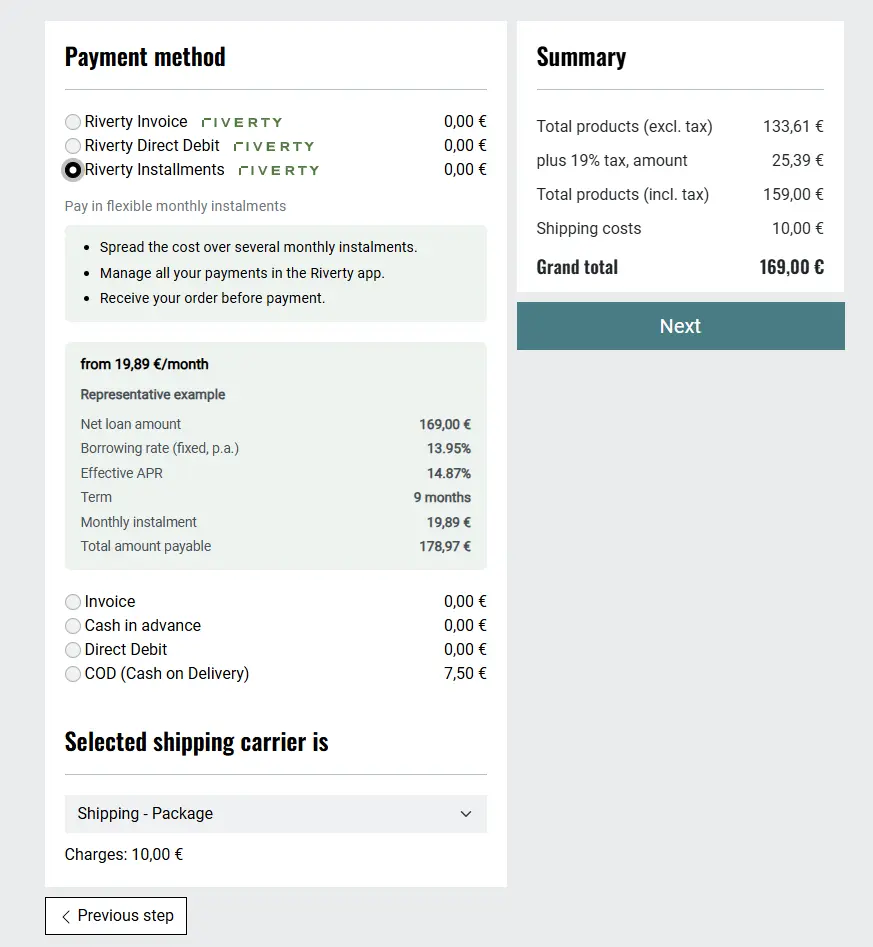
Figure: Instalments with the price preview enabled
¶ Identification number (NO, SE, DK, FI)
With a billing address in Norway, Sweden, Denmark or Finland every Riverty payment method shows an additional required field for the identification number (the company registration number for businesses). If it is missing, the checkout stops with the message "Please provide your identification number to pay with Riverty." The number is only transmitted to Riverty for the authorization.
¶ Flow and messages
- The customer selects a Riverty payment method and submits the order.
- Riverty decides immediately (accepted), sends the customer to the hosted checkout (pending) or rejects.
- After the return the module verifies the result and completes the order.
- On rejection or error the customer goes back to the payment selection and sees a message, e.g. "Unfortunately, your payment could not be approved. Please select a different payment method."
¶ Thank-you page
After a Riverty order the thank-you page shows an info box with the Riverty logo, a thank-you note for choosing the payment method and a link to MyRiverty (https://my.riverty.com).
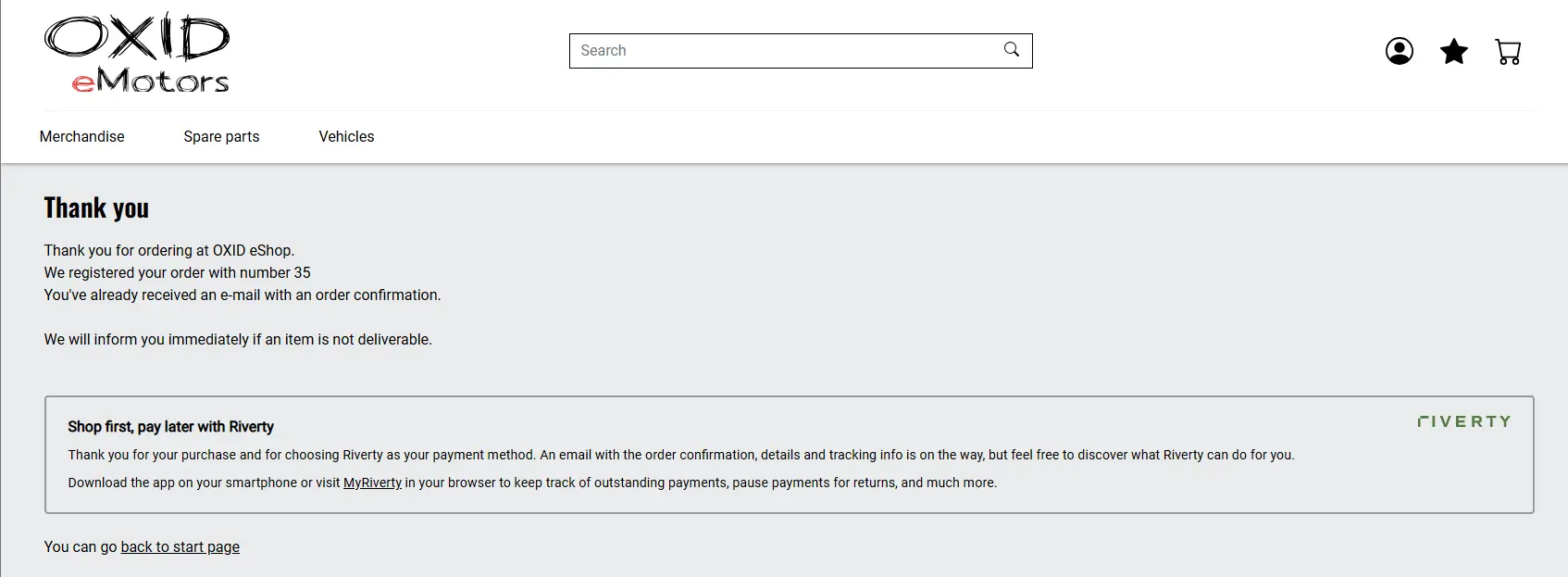
Figure: Thank-you page with Riverty info box